
Order products and choose a delivery address
Add products, manage quantities, select a saved address, and complete secure checkout.
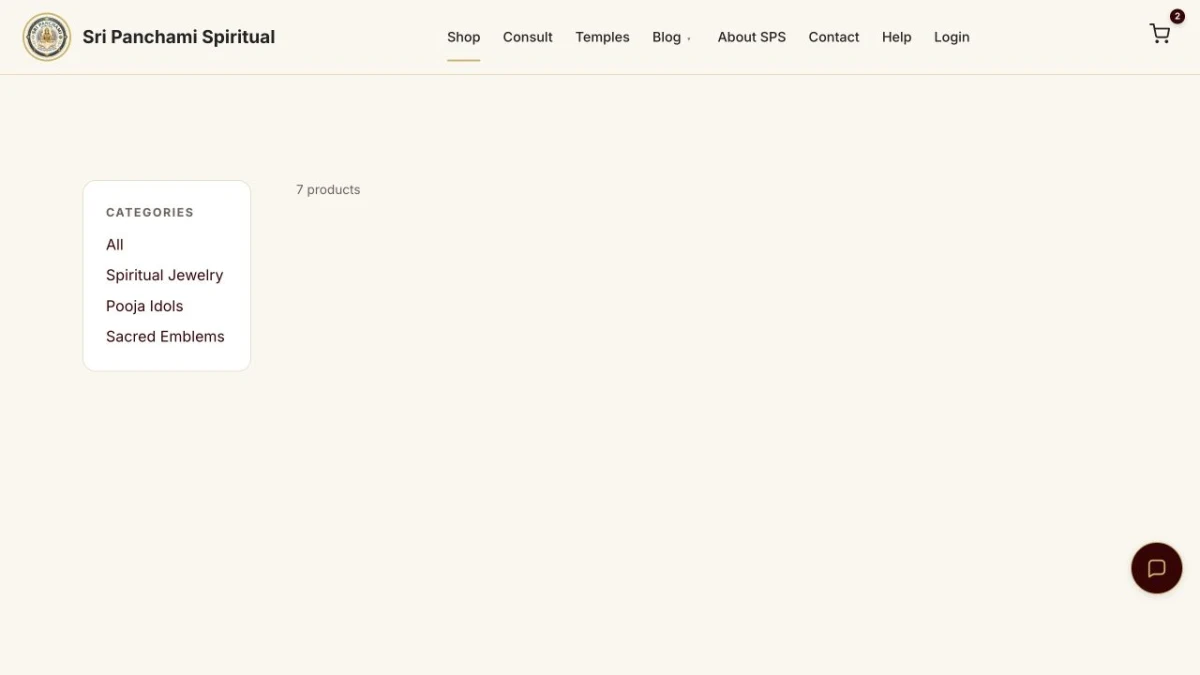
Add products
Open Shop, use the plus and minus controls to set quantities, then open the cart. Reducing an item to zero removes it.
Choose delivery
At checkout, select your default or another saved address. You can also enter a different delivery address for this order and optionally save it with a name such as Home or Office.
Pay and track
Complete the live Razorpay payment. Your confirmed order appears under Dashboard > My Orders with delivery status.
Related pageOpen the page shown in this guide